What is VOD in IPTV? The Ultimate Streaming Feature Explained
. If you are looking for information on VOD in IPTV, you are in the right place. When people think of internet television, they immediately think of live sports: the Premier League, boxing PPVs, and Formula 1. However, live television is only half of the equation. If you look at the feature list of any premium provider, you will prominently see the acronym “VOD”.
For many users, VOD is actually the most valuable part of their subscription, entirely eliminating their need to pay for Netflix, Amazon Prime, and Disney+. But what exactly is it, and how does it work? Let’s dive in.
Defining VOD (VOD in IPTV)
VOD stands for Video on Demand.
Unlike Live TV, which broadcasts a constant, unchangeable stream of content (like BBC One or Sky Sports), Video on Demand works exactly like Netflix. It is a massive digital library of individual movies, television series, and documentaries stored on the provider’s server. You can click on a movie, start it whenever you want, pause it to make a cup of tea, rewind it, and fast-forward it.
The Aggregation Advantage
The primary reason VOD is so powerful within the context of a premium subscription is aggregation.
In the legal streaming world, content is fiercely guarded by multi-billion dollar corporations. If you want to watch “Stranger Things”, you must subscribe to Netflix. If you want to watch “The Mandalorian”, you must subscribe to Disney+. If you want to watch “The Boys”, you must subscribe to Amazon Prime.
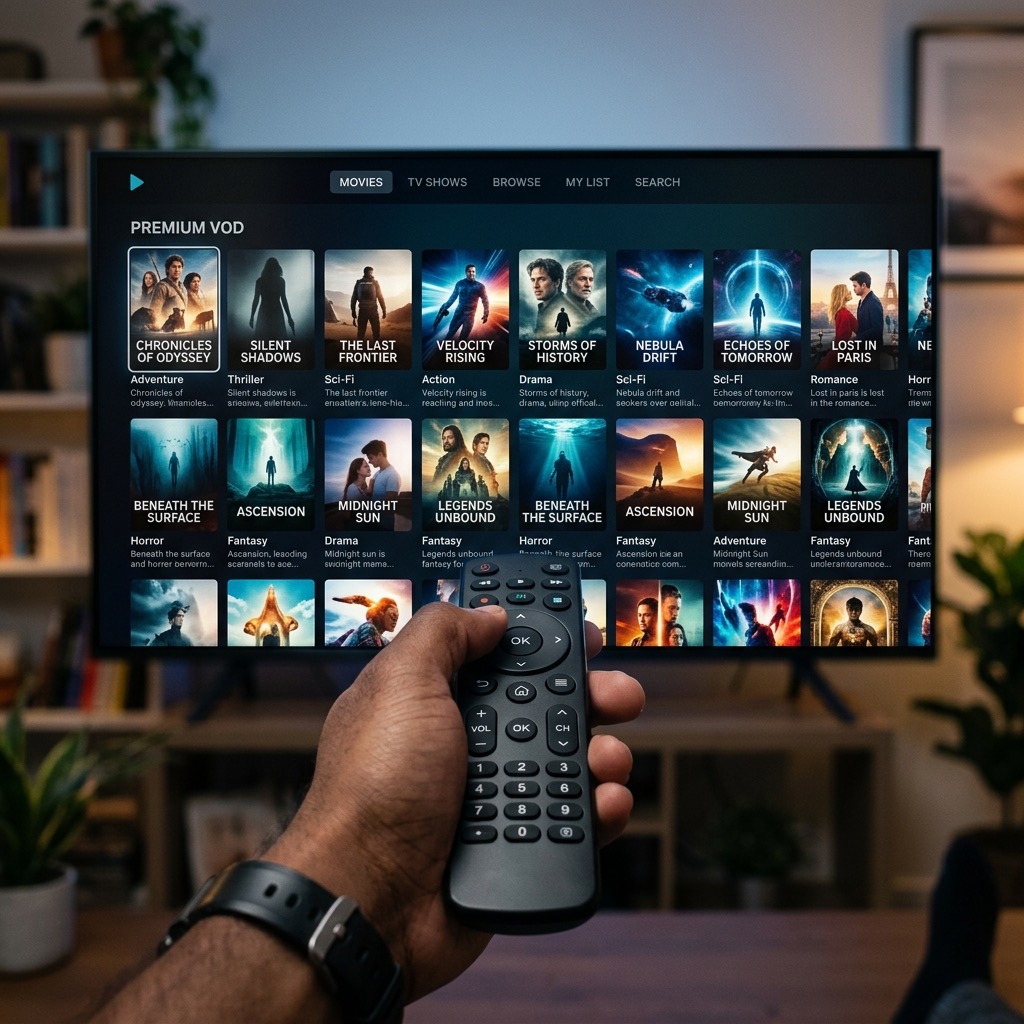
A premium VOD library breaks down these walls. When you open the Movies or Series tab in an app like Smarters Pro, you will find a beautifully organized library containing all of them. The VOD section aggregates the latest cinema releases, classic box sets, and exclusive platform originals into one single, easily searchable location. You no longer have to jump between five different apps and pay five different monthly subscriptions.
How Often is VOD Updated?
A top-tier provider (like British TV) employs dedicated teams whose sole job is to maintain the VOD library. New blockbuster movies are usually added to the servers within days of their digital release or appearance on premium platforms like Sky Cinema. Television series are often updated with new episodes hours after they air on traditional networks.
Catch-Up TV vs VOD
It is important not to confuse VOD with “Catch-Up TV”.
- Catch-Up TV allows you to rewind live television channels (usually for the past 3 to 7 days). If you missed the evening news or a live soap opera broadcast, you can navigate backward in the TV guide and watch it.
- VOD is a permanent library of high-definition cinematic files that are not tied to a specific broadcast time or channel.
Getting the Best VOD Experience
To enjoy VOD to its fullest, you need an application that organizes the content correctly. If you use a basic M3U file in VLC Player, VODs will appear as an endless, messy list of thousands of text files. However, if you use a premium app like TiviMate or Smarters Pro (and log in using the Xtream Codes API), the app will automatically download movie posters, IMDB ratings, cast information, and plot summaries, giving you a flawless, cinematic browsing experience.
Understanding VOD in IPTV is essential for the best experience.