Best Internet Speed for IPTV Streaming in the UK
. If you are looking for information on internet speed for IPTV, you are in the right place. One of the most common misconceptions in the streaming world is that buffering is always the provider’s fault. While server quality plays a massive role, the truth is that the vast majority of freezing, stuttering, and connection drops are caused by inadequate bandwidth or poor home network setups.
To get the absolute most out of your subscription—especially when watching live sports or cinematic 4K movies—you need to ensure your home internet is up to the task. This guide covers the exact speeds you need and how to optimize your network for flawless streaming.
Minimum Speed Requirements (Internet Speed for IPTV)
Live video streaming is incredibly data-intensive. Unlike watching a YouTube video, which can buffer minutes of video in advance, live TV is delivered to your screen in real-time. If your internet dips for even a second, the picture will freeze.
- Standard Definition (SD – 480p): Requires a minimum of 5 Mbps. While this works for basic viewing on mobile devices, it’s rarely used on modern large-screen TVs because the picture quality is incredibly blurry.
- High Definition (HD / 1080p): Requires a minimum of 15 to 20 Mbps. This is the sweet spot for most channels. A stable 20 Mbps connection will provide a crisp, clear picture without lag for standard broadcasts.
- Ultra High Definition (4K / UHD): Requires a minimum of 40 to 50 Mbps. For the ultimate cinematic experience and flawless 4K live sports (where the framerate is higher to capture fast movement), an ultrafast fibre connection is absolutely necessary.
The Crucial Difference Between Speed and Stability
Having a 500 Mbps fibre connection does not guarantee buffer-free streaming if that connection is unstable. Ping (latency) and Jitter (variation in latency) are just as important as raw download speed. If your data packets arrive out of order or are delayed, your IPTV app will freeze while it waits for the missing data.
Wi-Fi vs. Ethernet: The Ultimate Fix
This is the golden rule of IPTV: Never use Wi-Fi if you can avoid it.
Even if your router outputs 500 Mbps, Wi-Fi signals are subject to massive interference. Thick walls, microwaves, baby monitors, and even your neighbour’s router can cause invisible packet loss. You might not notice this packet loss while browsing Facebook, but a live IPTV stream will freeze instantly.
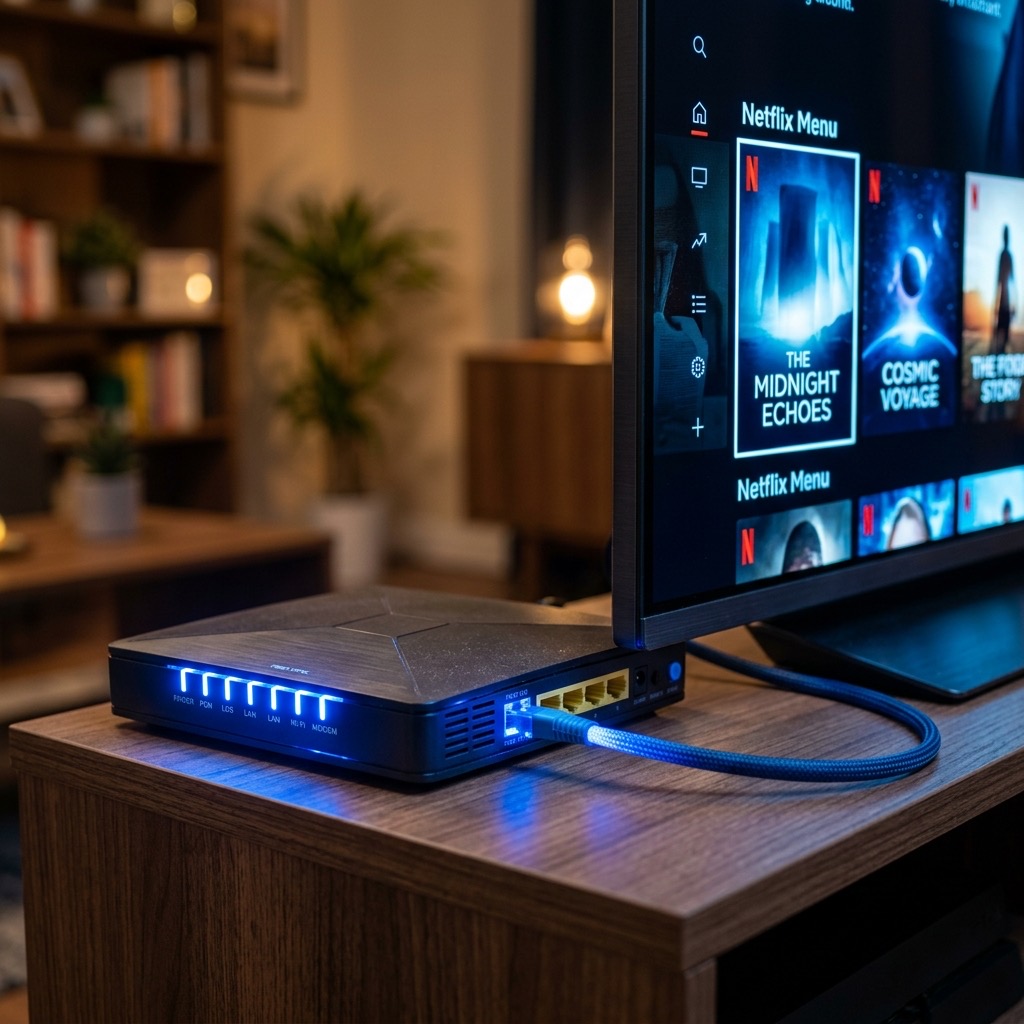
For the absolute best, buffer-free experience, you must connect your streaming device (like an Apple TV, Android box, or Smart TV) directly to your router using an Ethernet cable. This ensures a stable, dedicated, and uninterrupted flow of data. If your router is too far away, consider investing in a set of Powerline Adapters, which send the internet signal through the electrical wiring in your walls.
ISP Throttling in the UK
If your internet speed is incredibly fast, you are connected via Ethernet, and you still experience buffering only during major Premier League football matches, you are likely experiencing ISP Throttling.
Major UK Internet Service Providers (like BT, Sky, and Virgin Media) have automated systems that detect heavy streaming traffic during peak times and deliberately slow down (throttle) your connection to manage network load. The only way to bypass ISP throttling is to use a high-quality Premium VPN (Virtual Private Network). A VPN encrypts your traffic, hiding what you are doing from your ISP, preventing them from throttling your speeds.
Frequently Asked Questions
How can I test my internet speed accurately?
Do not test the speed on your phone. You need to test the speed on the device you are streaming from. Download the “Speedtest by Ookla” app on your Firestick or Smart TV and run the test. Pay close attention to the “Ping” result—anything under 20ms is excellent for live streaming.
Will a Wi-Fi booster help my streaming?
Generally, no. Wi-Fi boosters simply take a weak wireless signal and repeat it. This often increases latency and packet loss. If you cannot run a direct Ethernet cable, Powerline Adapters are a vastly superior solution to Wi-Fi boosters.
Understanding internet speed for IPTV is essential for the best experience.