How to Watch UK Live TV Abroad (Expats Guide to IPTV)
. If you are looking for information on UK live TV abroad, you are in the right place. Moving overseas to Spain, the USA, or Australia is an incredible adventure, but it shouldn’t mean leaving your favourite British television shows behind. Whether you want to catch the evening news on the BBC, binge the latest drama on ITVX, or watch your team play live on Sky Sports, staying connected to home is vital.
However, accessing these channels internationally is notoriously difficult due to strict geo-blocking. This comprehensive guide will show you exactly how to bypass these restrictions and watch television reliably and in high definition from anywhere in the world.
The Problem with Streaming UK Live TV Abroad
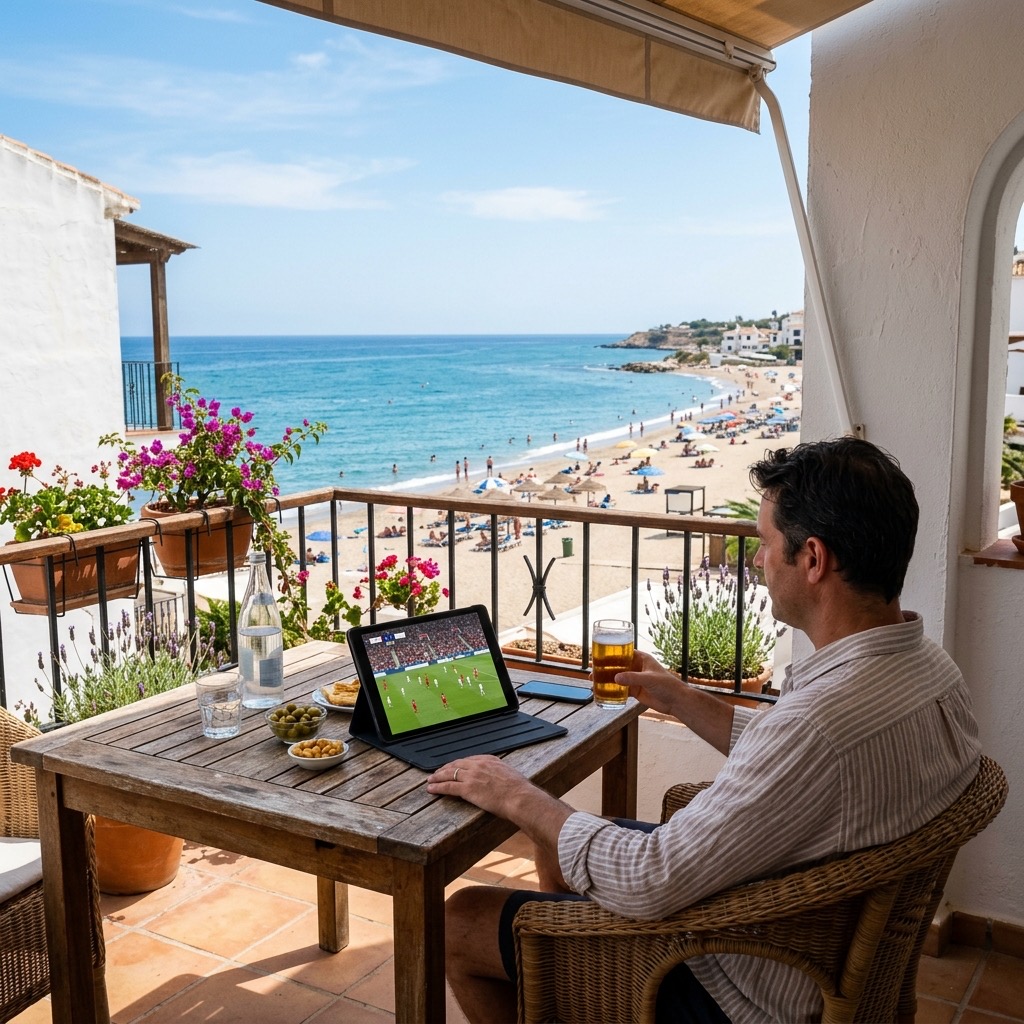
If you have ever settled down on your balcony in Alicante and tried to load BBC iPlayer or Sky Go on your tablet, you have almost certainly encountered an error message stating: “This content is not available in your location.”
Broadcasters are legally bound by complex copyright agreements to restrict their content to users physically located within the United Kingdom. They enforce this by checking your IP address. If your IP address registers as originating from Spain or the USA, the server immediately blocks your connection.
Why Native Apps and Free VPNs Fail
Many expats attempt to solve this by downloading a free VPN to “trick” the BBC iPlayer into thinking they are in London. While this sometimes works for checking your email securely, it fails miserably for live video streaming. Free VPNs cap your data and severely limit your bandwidth. If you try to stream a 1080p live football match through a free VPN, you will experience constant, unwatchable buffering. Furthermore, broadcasters like Sky actively identify and block the IP addresses of known free VPN servers.
The Solution: Premium British IPTV
The most elegant, permanent, and cost-effective solution for expats is a dedicated premium subscription. Unlike relying on a patchwork of native apps and finicky VPN connections, our dedicated servers deliver the channels directly to you, regardless of your physical location.
How the Architecture Works for Expats
When you purchase a premium package, you aren’t connecting to the BBC’s servers directly. You are connecting to our secure, high-bandwidth offshore data centres. We capture the raw, uncompressed feeds of 50,000+ global channels and transmit them directly to your chosen device via an M3U playlist or Xtream Codes API.
Because you are connecting to our private servers, there is absolutely no geo-blocking. Our servers do not care if your IP address is in London, Sydney, or Dubai. If you have an active subscription, the stream will play instantly.
Setting Up Your System Abroad
Setting up your home entertainment system overseas is remarkably simple and requires no satellite dishes or complex wiring.
- Get the Right Hardware: Buy an Amazon Fire TV Stick 4K Max. It is small, portable, and plugs directly into the HDMI port of any television in the world.
- Get a Stable Connection: Ensure your home internet abroad has a minimum speed of 15 Mbps. For flawless streaming, connect your Firestick directly to your router using an Ethernet cable.
- Install a Player: Download TiviMate Premium onto your Firestick.
- Enter Your Details: Input the M3U link provided by our service into TiviMate. The app will instantly download every UK channel (including regional BBC/ITV variations) directly to your TV.
You can also install the Smarters Pro app on your tablet or smartphone, allowing you to watch the football by the pool or while traveling.
Understanding UK live TV abroad is essential for the best experience.