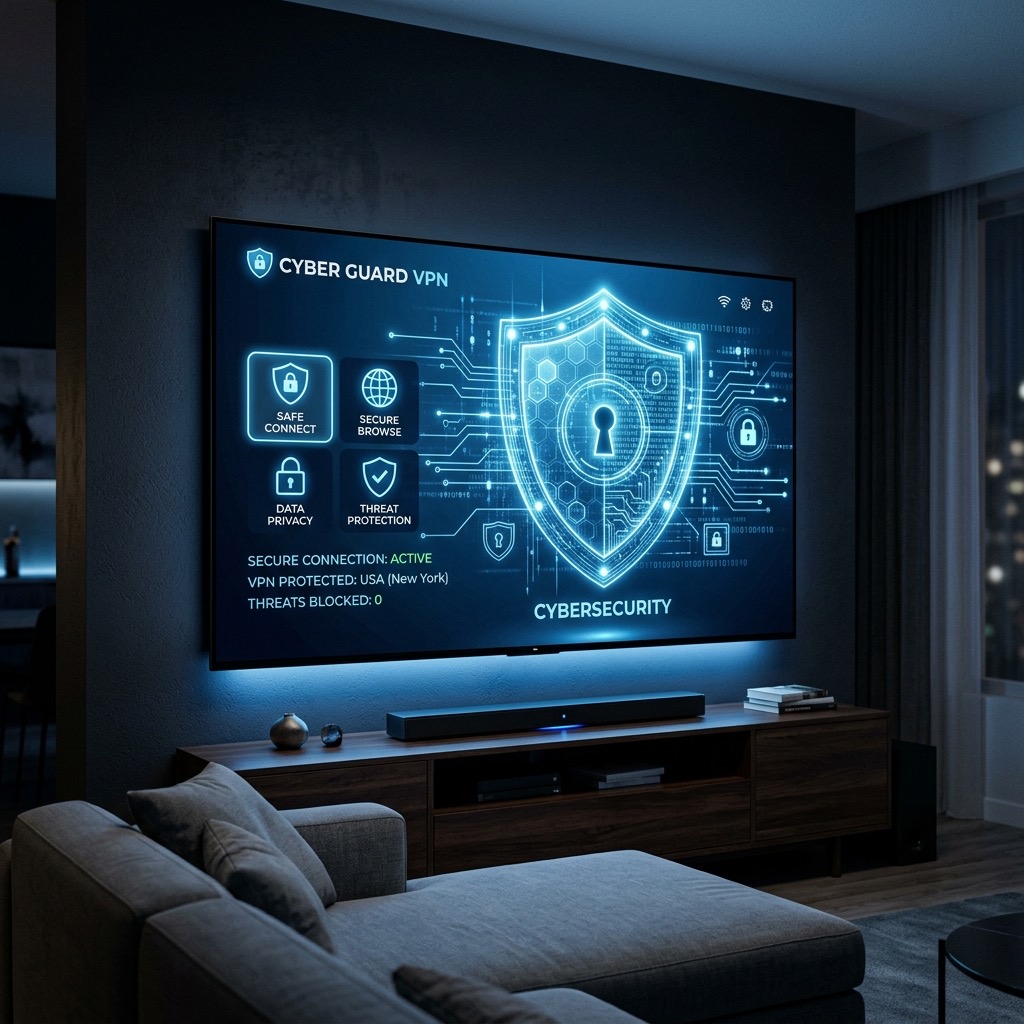
How to Use a VPN with IPTV in the UK (And Do You Really Need One?)
. If you are looking for information on VPN with IPTV, you are in the right place. When researching cord-cutting solutions in the United Kingdom, you will inevitably encounter the advice: “Always use a VPN.” But what exactly does a Virtual Private Network do, why is it so highly recommended for British users, and how do you actually set one up?
This comprehensive guide breaks down the technical reasons why a VPN is the ultimate shield against buffering, and provides step-by-step instructions on securing your stream.
Why UK Users Need a VPN (VPN with IPTV)
In many countries, streaming television without a VPN works perfectly fine. However, the United Kingdom has some of the strictest internet filtering and monitoring laws in the world. Your Internet Service Provider (ISP) — such as BT, Sky, Virgin Media, or TalkTalk — actively monitors everything you do online. This creates two major problems for streaming enthusiasts:
1. ISP Throttling During Major Events
ISPs deliberately manage their network traffic. When a massive Premier League match kicks off on a Saturday afternoon, they detect huge spikes in streaming data. To prevent their entire network from slowing down, they automatically “throttle” (restrict the speed of) that streaming traffic. If you are watching without a VPN, your ISP will detect your stream and cut your speed in half, resulting in immediate and constant buffering right as the match starts.
2. Court-Ordered Blocks
The Premier League and major broadcasters frequently obtain court orders forcing UK ISPs to block the IP addresses of known streaming servers. If your provider’s server IP is temporarily added to this blocklist, your screen will simply go black, or the app will fail to load entirely.
How a VPN Solves These Problems
A VPN creates a secure, encrypted “tunnel” between your device and the internet. When you turn on a VPN, your ISP can see that you are using data, but the encryption prevents them from seeing what that data is. Because they cannot identify the traffic as an IPTV stream, they cannot throttle it. Furthermore, because your traffic is routed through the VPN’s server (which can be located in another country), your ISP’s local blocklist is completely bypassed.
How to Set Up a VPN on a Firestick or Android Box
Setting up a VPN on modern streaming devices is incredibly simple and does not require any technical knowledge.
- Choose a Premium VPN: Do not use a free VPN. Free VPNs limit your bandwidth, which will cause massive buffering. We highly recommend premium, high-speed services like ExpressVPN, NordVPN, or Surfshark.
- Download the App: Go to the Amazon App Store (on Firestick) or Google Play Store (on Android TV) and search for your chosen VPN provider. Download and install their official app.
- Log In: Open the VPN app and log in using the credentials you created when you purchased the subscription.
- Connect to a Server: You will see a map or a list of countries. We recommend connecting to a server close to you for the best speeds (e.g., London or Manchester). If you are experiencing blocks in the UK, connect to a server in a neighbouring country, such as Ireland or the Netherlands.
- Open Your Player: Once the VPN says “Connected”, press the home button on your remote, open TiviMate or Smarters Pro, and start streaming securely without throttling.
Can I Put a VPN on a Smart TV?
This is where things get slightly complicated. Samsung (Tizen OS) and LG (WebOS) Smart TVs do not natively support VPN applications. You cannot simply download an app from their stores to encrypt the TV.
If you want to use a VPN with a Smart TV, you must install the VPN directly onto your home broadband router. This encrypts the entire Wi-Fi network, meaning any device connected to the router (including the Smart TV) is automatically protected. This requires a compatible “VPN Router” and slightly more advanced technical setup. This limitation is another reason why we highly recommend purchasing an Amazon Firestick instead of relying on native Smart TV apps.
Understanding VPN with IPTV is essential for the best experience.